Description
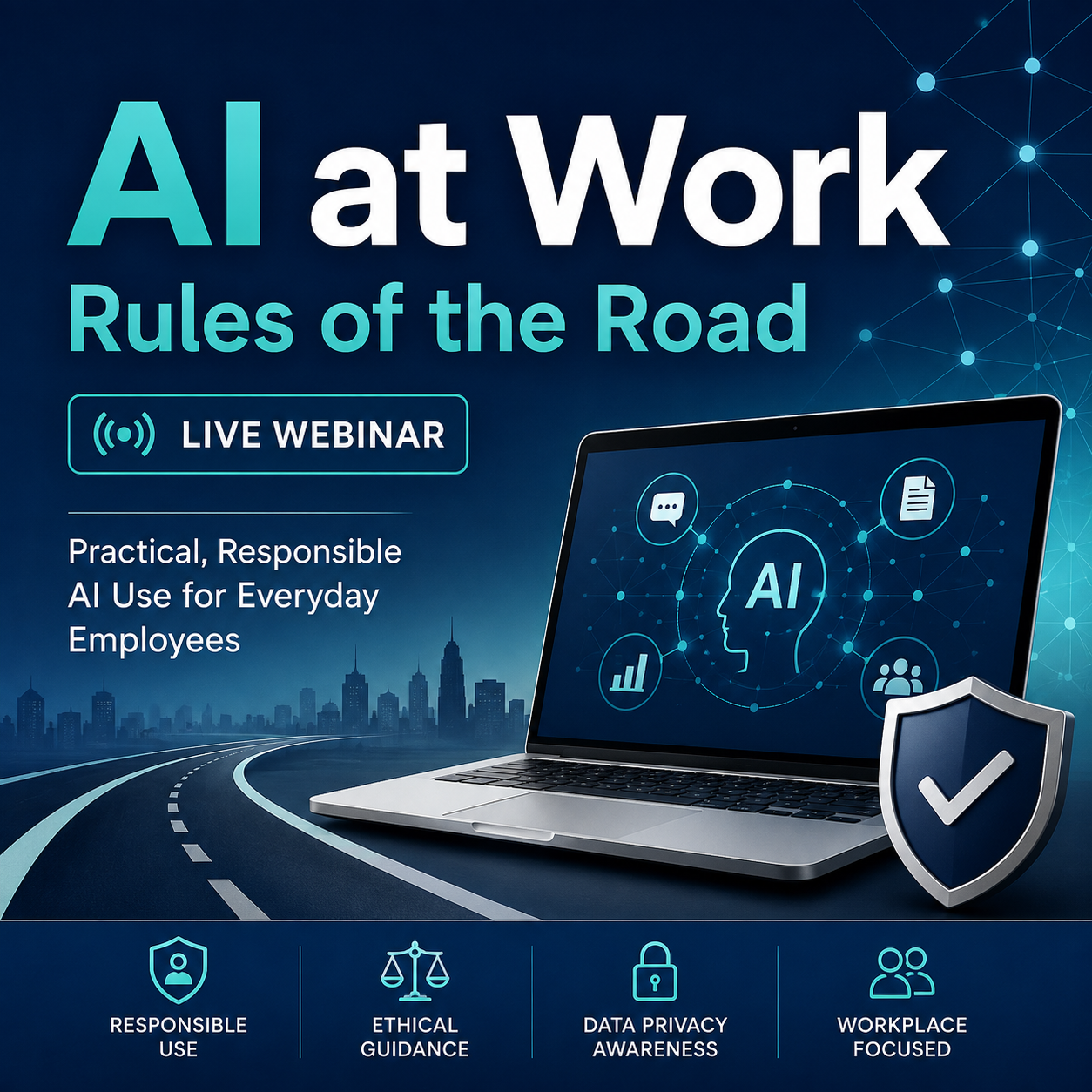
AI at Work: Rules of the Road
Artificial intelligence is quickly becoming part of the everyday workplace. Employees are using AI to write emails, summarize information, organize projects, create documents, brainstorm ideas, and solve everyday business problems.
But knowing how to use AI is only part of the equation.
Employees also need to understand what information is safe to enter, what should stay out, when an AI-generated answer can be trusted, and when human judgment needs to take over.
AI at Work: Rules of the Road is a practical live webinar designed for everyday employees who want to use tools such as ChatGPT and other generative AI systems more effectively, productively, and responsibly.
No programming or advanced AI experience is required.
What You’ll Learn
Participants will explore:
- What generative AI is and how it fits into the modern workplace
- Practical ways to use AI for everyday business tasks
- Writing better emails, letters, notices, and workplace communications
- Summarizing information and identifying important action items
- Creating checklists, procedures, plans, agendas, and other work products
- Writing clearer and more effective AI prompts
- Protecting confidential, personal, customer, employee, and company information
- Understanding the difference between personal and employer-approved AI use
- Recognizing AI mistakes, hallucinations, assumptions, and unreliable answers
- Reviewing AI-generated work before sending, publishing, or acting on it
- Knowing when AI can assist—and when a human needs to make the decision
Using AI for Everyday Work
AI does not have to be complicated to be useful.
Participants will see practical ways AI can assist with common workplace activities such as:
- Drafting professional emails
- Rewriting difficult messages
- Improving tone and clarity
- Proofreading documents
- Turning rough notes into organized content
- Summarizing lengthy information
- Extracting deadlines and action items
- Creating meeting agendas
- Developing checklists
- Drafting procedures
- Brainstorming solutions
- Preparing questions for meetings
- Creating training outlines
- Organizing projects and ideas
The goal is not to have AI do your job for you. The goal is to use it as a tool that can help you work more efficiently while keeping you responsible for the final result.
Learn the SAFE Prompt Method
Participants will be introduced to a simple approach for using generative AI responsibly at work:
S — Sanitize the Information
Remove sensitive or identifying information before entering it into an AI system.
A — Assign the Task and Audience
Clearly explain what you want the AI to do and who the final result is intended for.
F — Format the Result
Tell the AI how you want the answer structured, including length, tone, format, and level of detail.
E — Evaluate Before Using
Review the result for accuracy, privacy, appropriateness, missing information, and invented details before using it.
The SAFE Prompt Method provides a practical framework employees can use long after the webinar is over.
What Should Never Go Into AI?
One of the most important parts of responsible workplace AI use is knowing what information should not be entered into an AI system without appropriate authorization and safeguards.
Examples may include:
- Passwords and login credentials
- Social Security numbers
- Bank and payment information
- Payroll records
- Protected health information
- Customer information
- Employee information
- Confidential contracts
- Attorney-client communications
- Internal pricing
- Unpublished financial information
- Trade secrets
- Proprietary business information
Participants will learn how to replace sensitive information with placeholders or sanitized examples while still receiving useful assistance from AI.
The Green, Yellow & Red Approach
We’ll use a simple traffic-light system to help determine whether information is appropriate for AI.
Green — Generally Acceptable
Public information, fictional examples, generic questions, blank templates, and information specifically approved for AI use.
Yellow — Stop and Check
Internal procedures, meeting notes, business documents, vendor information, or other company information that may require employer approval or an approved business AI system.
Red — Do Not Enter
Passwords, financial credentials, protected personal information, confidential customer or employee data, trade secrets, legal strategy, and other highly sensitive information.
When there is uncertainty, the safest approach is to stop and check your organization’s policy before entering the information.
Personal AI vs. Workplace AI
Using AI at home and using AI at work are not necessarily the same thing.
At work, the information you handle may belong to:
- Your employer
- A customer
- A coworker
- A patient
- A vendor
- Another organization
Your employer may also have requirements regarding approved AI systems, accounts, confidentiality, record retention, security, and acceptable use.
Being able to access an AI tool does not automatically mean your employer has approved it for business information.
AI Can Be Wrong
Generative AI can produce answers that are polished, professional, and completely incorrect.
Participants will learn why AI-generated information should be reviewed for:
- Incorrect facts
- Invented details
- Missing information
- False assumptions
- Bias
- Inappropriate language
- Incorrect calculations
- Outdated information
- Misunderstood instructions
A professional-looking answer should never be confused with a verified answer.
Human Responsibility Still Matters
AI can help create the work, but responsibility for that work usually remains with the person using it.
Before sending or acting on AI-generated content, ask:
- Is this accurate?
- Did the AI invent anything?
- Did I expose sensitive information?
- Does this represent what I actually intend to say?
- Does it comply with company policy?
- Does someone else need to review or approve it?
- Would I be comfortable explaining how I used AI to create it?
AI should support professional judgment—not replace it.
Who Should Attend?
This webinar is designed for everyday workplace AI users, including:
- Administrative professionals
- Office managers
- Accounting and bookkeeping staff
- Human resources and payroll employees
- Customer service representatives
- Sales and marketing professionals
- Managers and supervisors
- Small-business owners
- Nonprofit employees
- Trainers and educators
- Employees who have recently started using ChatGPT or similar AI tools
- Organizations beginning to introduce AI into everyday work
No technical or programming background is required.
Work Smarter—Without Creating New Risks
AI can save time, improve communication, help organize information, and make employees more productive.
But responsible AI use requires more than knowing which buttons to click.
AI at Work: Rules of the Road gives participants practical guidelines they can use to make better decisions about what to put into AI, what to leave out, how to ask for better results, and how to evaluate what comes back.
Live Online Webinar
Learn how to save time with AI without putting yourself—or your employer—at risk.
Responsible AI is not about avoiding AI. It is about using the right tool, with the right information, for the right purpose—and keeping a human responsible for the result.